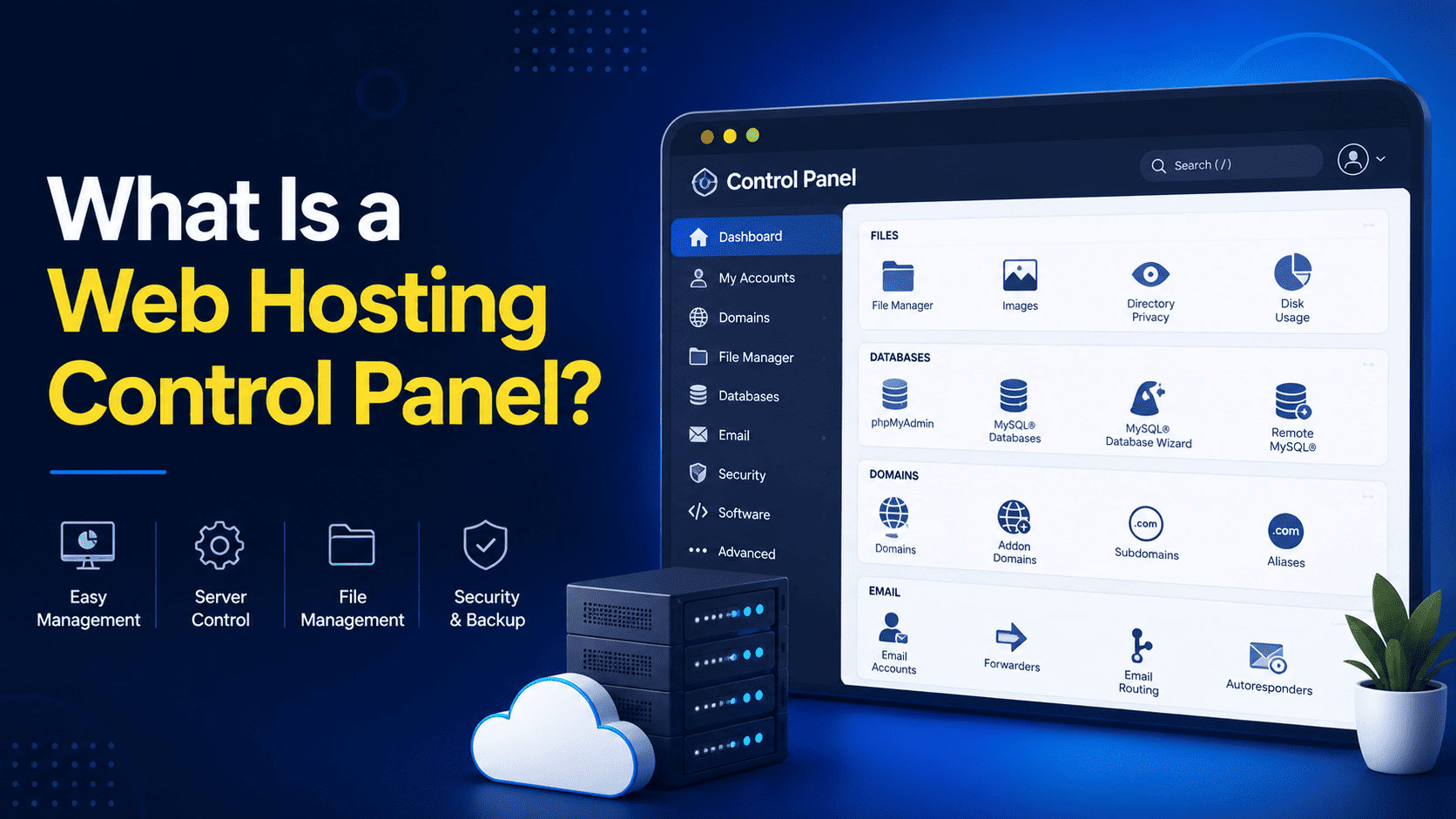

What Is a Web Hosting Control Panel? A Beginner-Friendly Explainer
If you’re new to web hosting, terms like cPanel, DirectAdmin, Plesk, or CyberPanel can sound complicated. Fortunately, managing a website server doesn’t always require advanced technical knowledge. That’s where a web hosting control panel comes in.
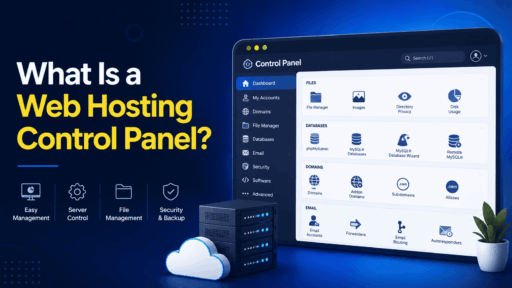
A web hosting control panel is a graphical interface that allows you to manage your hosting account, website, domains, email, databases, files, security, and other server-related tasks from one place.
Instead of typing complicated server commands, you can perform many common tasks by clicking buttons and following simple menus.
How Does a Web Hosting Control Panel Work?
When you purchase web hosting, your website files and related services are stored on a server. The control panel provides an easy-to-use interface between you and that server.
For example, suppose you want to create a new email address such as:
Without a control panel, you may need to configure the mail service manually using server commands or configuration files.
With a control panel, you can usually:
- Log in to your hosting account.
- Open the Email section.
- Select “Create Email Account.”
- Enter the desired email address and password.
- Click Create.
The control panel handles the underlying configuration for you.
What Can You Manage With a Control Panel?
The exact features vary between control panels and hosting providers, but most offer tools for managing essential hosting services.
1. Website Files
You can upload, download, edit, rename, move, and delete website files using a web-based file manager.
This is particularly useful when you don’t want to use FTP software.
2. Domains and Subdomains
A control panel can help you add and manage domains, subdomains, aliases, and domain-related settings.
For example, you could create:
blog.yourdomain.com
for your blog or:
store.yourdomain.com
for an online store.
3. Email Accounts
Many hosting control panels allow you to create professional email accounts associated with your domain.
You may also be able to manage:
- Email forwarding
- Autoresponders
- Spam filtering
- Mailboxes
- Webmail access
4. Databases
Dynamic websites such as WordPress, Joomla, and many custom applications rely on databases.
Control panels often provide tools to create and manage databases and database users. Some also provide access to tools such as phpMyAdmin for managing MySQL or MariaDB databases.
5. SSL Certificates
SSL certificates help protect information transferred between visitors and your website.
Many modern hosting panels make SSL management easier by providing automated certificate installation and renewal, depending on the hosting provider and configuration.
Once SSL is enabled, your website can use:
instead of:
6. Backups
Depending on your hosting plan, the control panel may provide tools for creating, downloading, restoring, or scheduling website backups.
However, backup availability and retention depend on the hosting provider, so you should always check exactly what your hosting plan includes.
7. Application Installation
Some control panels include one-click or automated installers that make it easier to deploy popular applications.
For example, you may be able to install WordPress without manually uploading files and creating a database.
8. Server and Resource Information
Depending on the panel and your hosting package, you may be able to monitor resources such as:
- Disk usage
- Bandwidth
- CPU usage
- Memory usage
- Database usage
- Website statistics
This can help you understand how your hosting account is being used.
Popular Web Hosting Control Panels
There are several control panels available today, each targeting different types of users and hosting environments.
cPanel
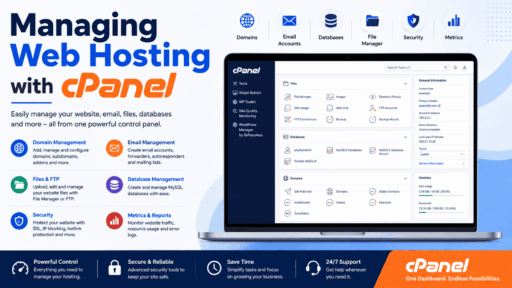
cPanel is one of the most widely recognized hosting control panels. It provides tools for managing websites, domains, email, databases, security, backups, and more.
It is particularly popular with shared hosting providers and users who want a mature, user-friendly interface.
DirectAdmin
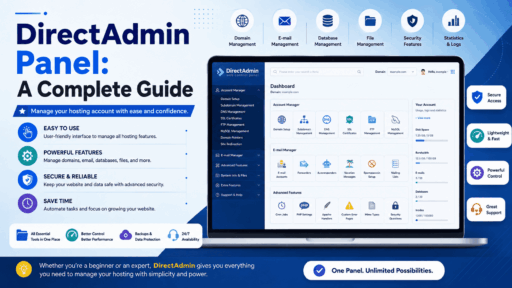
DirectAdmin is a lightweight hosting control panel known for its relatively simple interface and efficient resource usage.
It is commonly used by hosting companies, VPS users, and server administrators looking for an alternative to cPanel.
Plesk
Plesk is another popular commercial control panel designed for managing websites and servers. It supports various hosting environments and provides tools for domains, email, databases, applications, and server administration.
CyberPanel
CyberPanel is a popular option for users looking for a modern control panel, particularly in environments using LiteSpeed technologies. It offers website, database, email, DNS, and other management features.
Webmin/Virtualmin
Webmin provides a web-based interface for Unix/Linux system administration, while Virtualmin adds features focused on hosting multiple websites and virtual servers.
It is generally more administrator-oriented than beginner-focused hosting panels.
Do You Need a Control Panel?
Not necessarily.
Experienced system administrators can manage a Linux server directly through SSH and command-line tools. However, this requires considerably more technical knowledge.
For beginners and many small website owners, a control panel can save significant time by providing an easier way to perform routine tasks.
A control panel can be especially useful if you regularly need to:
- Create websites
- Manage domains
- Create email accounts
- Install applications
- Manage databases
- Configure SSL
- Upload website files
- Check hosting resources
Are Web Hosting Control Panels Free?
Some control panels are commercial and require a license, while others offer free or open-source versions.
For example, cPanel and Plesk are commercial products, while several alternatives provide free editions or open-source options.
When choosing a hosting panel, don’t look only at the software price. Consider the total cost, including server resources, support, updates, security, and licensing.
Control Panel vs. Hosting Provider: What’s the Difference?
This is an important distinction for beginners.
A web hosting provider gives you the server infrastructure and hosting service.
A control panel is the software interface used to manage that hosting environment.
Think of it this way:
Hosting server = the computer where your website lives
Control panel = the dashboard used to manage it
Website = the content and application running on the server
Your hosting company may provide a control panel as part of your hosting package.
What Should Beginners Look For?
If you’re choosing a hosting plan, look for a control panel that offers:
- A clean and easy-to-understand interface
- File management tools
- Domain and DNS management
- Email management
- Database tools
- SSL management
- Backup and restore options
- Application installers
- Security features
- Resource monitoring
- Reliable documentation and support
The best choice depends on your website, technical experience, hosting environment, and budget.
Final Thoughts
A web hosting control panel is essentially the dashboard for your hosting account. It turns many complicated server-management tasks into simple, graphical actions.
For beginners, this can make website management much easier. Instead of learning dozens of Linux commands just to create an email account, upload files, or create a database, you can often complete the same task through a few clicks.
Whether you choose cPanel, DirectAdmin, Plesk, CyberPanel, or another control panel, the goal is the same: make hosting management simpler, faster, and more accessible.