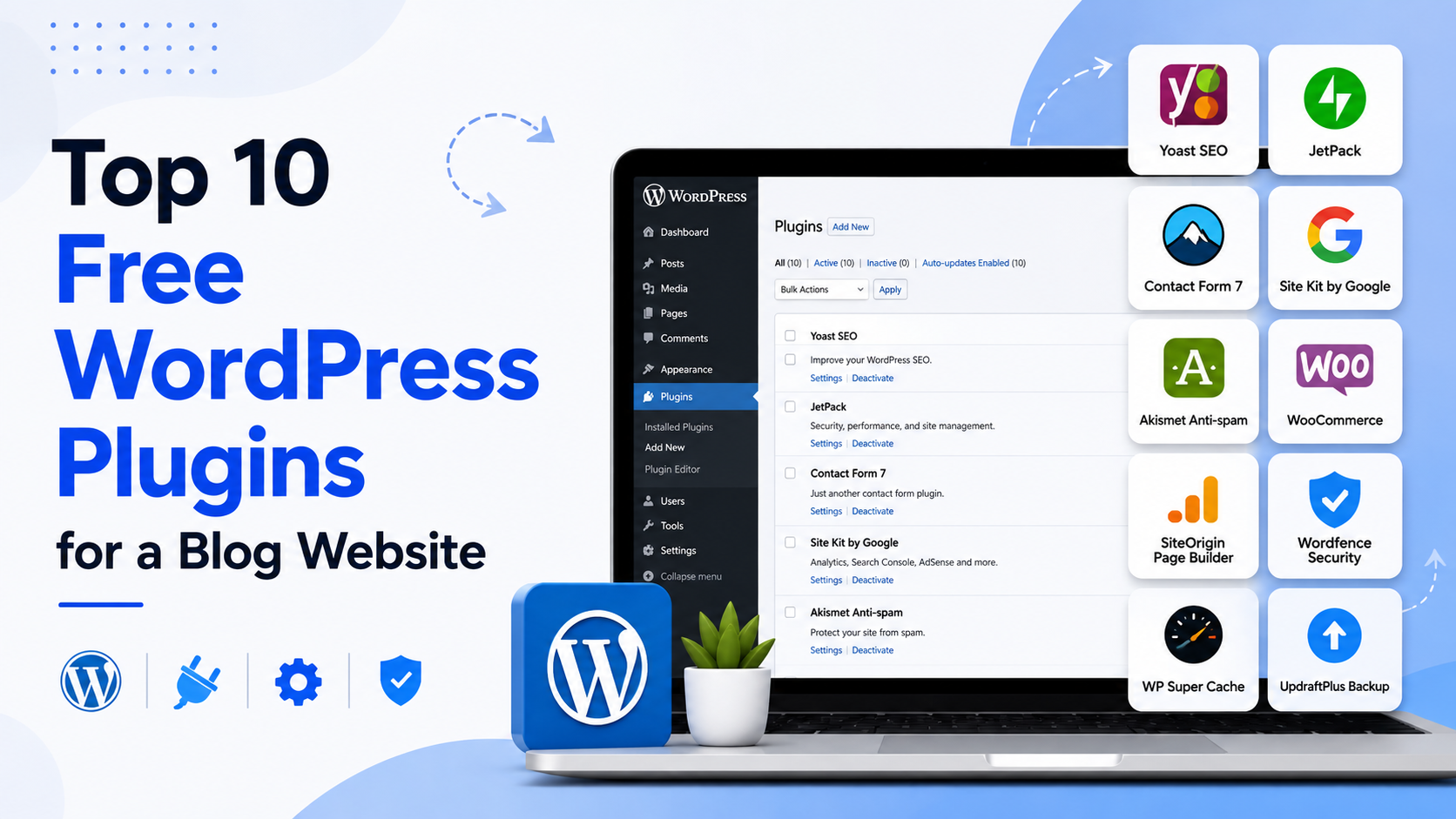

Top 10 Free WordPress Plugins for a Blog Website
Launching a WordPress blog is easy, but choosing the right plugins can make a big difference in how your website performs, ranks in search engines, stays secure, and engages visitors.
The good news is that you don’t need to purchase dozens of premium plugins to build a professional blog. Many excellent WordPress plugins offer useful features through their free versions.
In this guide, we’ll look at 10 free WordPress plugins that can be valuable for bloggers, from SEO and performance to security, forms, images, and content management.
Note: Plugin features and free-plan limits can change over time. Always check the plugin’s current WordPress.org listing before installing it.
1. Rank Math SEO
Rank Math SEO is a popular SEO plugin designed to help WordPress users optimize their content for search engines.
For bloggers, it can simplify many SEO tasks that might otherwise require manually editing website settings.
Useful features include:
- SEO title and meta description management
- XML sitemap functionality
- Schema markup features
- Social media metadata
- Search engine optimization recommendations
- 404 monitoring and redirects in supported configurations
- SEO analysis tools
Why bloggers may like it
If you’re publishing articles regularly, having SEO tools inside the WordPress editor can make on-page optimization easier.
Best for: Bloggers who want an all-in-one SEO toolkit.
2. Yoast SEO
Yoast SEO is one of the best-known WordPress SEO plugins and has been used by WordPress website owners for many years.
Its free version provides tools that can help bloggers improve the basic SEO setup of their website and create more search-friendly content.
Useful features include:
- SEO title and meta description controls
- XML sitemaps
- Canonical URL management
- Breadcrumb functionality
- Content analysis
- Social sharing metadata
- Basic schema-related features
Why bloggers may like it
Yoast provides an approachable interface that can help beginners understand some of the fundamentals of on-page SEO.
Best for: Beginners who want guided SEO features.
3. LiteSpeed Cache
Website speed matters for both visitors and search performance. LiteSpeed Cache provides caching and optimization features for WordPress websites.
Its functionality is especially powerful when the website is hosted on a compatible LiteSpeed web server, although some optimization features can also work in other environments.
Useful features include:
- Page caching
- Browser caching
- Image optimization integrations
- CSS and JavaScript optimization
- Lazy loading
- Database optimization
- CDN-related integrations
Why bloggers may like it
A blog can accumulate images, scripts, plugins, and other assets as it grows. Performance optimization can help keep page loading times under control.
Best for: Bloggers who want to improve website performance, particularly on LiteSpeed hosting.
4. UpdraftPlus
Regular backups are essential for any WordPress website.
UpdraftPlus is a popular backup plugin that allows website owners to create and restore backups. Depending on the configuration and available integrations, backups can be stored remotely rather than only on the hosting server.
Useful features include:
- WordPress backups
- Database backups
- Scheduled backups
- Restoration tools
- Remote storage integrations
- Backup management
Why bloggers may like it
Imagine spending months publishing articles and then losing your website because of a failed update or server problem. A reliable backup strategy can significantly reduce that risk.
Best for: Bloggers who want an easier backup and recovery workflow.
5. Wordfence Security
Security should not be overlooked simply because a blog is small.
Wordfence Security provides a collection of security tools designed to help protect WordPress websites from various threats.
Useful features include:
- Web application firewall features
- Malware scanning
- Login security
- Brute-force protection
- Security notifications
- IP blocking tools
Some advanced features may require a paid version, but the free plugin provides useful security capabilities.
Why bloggers may like it
WordPress websites can become targets for automated attacks. Adding a reputable security layer can help reduce common risks.
Best for: Bloggers looking for an established WordPress security solution.
6. Akismet Anti-spam
Popular blogs often attract spam comments. Akismet is designed to help identify and filter spam comments and other unwanted content.
Instead of manually checking every suspicious comment, Akismet can automatically analyze comments and help separate potential spam from legitimate interactions.
Why bloggers may like it
If your blog receives a large number of comments, automated spam filtering can save considerable time.
Best for: Blogs that allow comments and receive frequent visitor interaction.
7. WPForms Lite
A blog doesn’t necessarily need complicated forms, but having a contact form is useful for allowing readers, businesses, or potential clients to contact you.
WPForms Lite provides a beginner-friendly form builder for creating forms directly within WordPress.
You can use forms for:
- Contact pages
- Reader feedback
- Newsletter signups
- Simple inquiries
- Support requests
- Basic surveys
Why bloggers may like it
Its drag-and-drop approach makes creating basic forms easier without requiring coding knowledge.
Best for: Bloggers who need simple, professional-looking forms.
8. Smush
Images can make blog posts more attractive, but large image files can also increase page size and affect loading performance.
Smush is an image optimization plugin designed to help WordPress users optimize images.
Useful capabilities include:
- Image compression
- Image resizing
- Lazy loading
- Bulk image optimization
- Image optimization workflows
Why bloggers may like it
If you publish tutorials, travel articles, product reviews, or other image-heavy content, optimizing images can help keep your website lighter.
Best for: Bloggers who regularly upload images.
9. Easy Table of Contents
Long-form articles are easier to navigate when readers can quickly see the sections of a post.
Easy Table of Contents can automatically generate a table of contents from headings used within your WordPress content.
For example, an article containing:
- Introduction
- Features
- Benefits
- Pricing
- Comparison
- Conclusion
can display those sections in a clickable table of contents.
Why bloggers may like it
A table of contents can improve navigation, particularly on long guides and tutorials.
Best for: Bloggers publishing detailed guides and long-form articles.
10. Site Kit by Google
Site Kit by Google connects WordPress with several Google services through a central dashboard.
Depending on your setup, it can provide insights from services such as:
- Google Search Console
- Google Analytics
- PageSpeed Insights
- Google AdSense
Why bloggers may like it
Instead of constantly switching between different dashboards, bloggers can access important website performance and search-related information from within WordPress.
Best for: Bloggers who want a simple way to monitor website data from Google’s services.
Bonus: Why You Shouldn’t Install Too Many Plugins
Having access to thousands of WordPress plugins doesn’t mean you should install dozens of them.
Every plugin adds functionality to your website, but poorly maintained, unnecessary, or conflicting plugins can create problems.
Too many plugins may contribute to:
- Slower administration
- Compatibility issues
- Security risks
- Higher maintenance requirements
- Database overhead
- JavaScript or CSS conflicts
The goal should not be “install as many plugins as possible.”
Instead, choose only the plugins that solve a genuine problem for your website.
How to Choose the Right WordPress Plugins
Before installing a plugin, consider a few important factors.
Check Recent Updates
A plugin that is actively maintained is generally preferable to one that has not received updates for a long time.
Check Compatibility
Make sure the plugin is compatible with your WordPress version and other important software running on your website.
Read Reviews
User reviews can provide useful information about usability, reliability, and common problems.
Check Active Installations
A large number of active installations can be a useful signal of adoption, although it should not be the only factor in your decision.
Look at Support Activity
Check whether the developer responds to support questions and whether reported issues are being addressed.
Test Before Installing on a Live Site
For important websites, consider testing new plugins on a staging environment first. This can help identify conflicts before they affect your visitors.
Recommended Free Plugin Setup for a Blog
You don’t necessarily need all ten plugins.
A simple blog could start with a combination such as:
| Requirement | Plugin Option |
|---|---|
| SEO | Rank Math SEO or Yoast SEO |
| Speed | LiteSpeed Cache |
| Backup | UpdraftPlus |
| Security | Wordfence Security |
| Spam protection | Akismet |
| Contact forms | WPForms Lite |
| Image optimization | Smush |
| Table of contents | Easy Table of Contents |
| Website analytics | Site Kit by Google |
You should generally avoid installing multiple plugins that perform the same primary function. For example, running several SEO plugins simultaneously can create unnecessary conflicts.
Final Thoughts
The WordPress plugin ecosystem makes it possible to build a powerful blog without spending a large amount of money on software.
Plugins such as Rank Math SEO, Yoast SEO, LiteSpeed Cache, UpdraftPlus, Wordfence, Akismet, WPForms Lite, Smush, Easy Table of Contents, and Site Kit by Google can cover many of the common requirements of a modern blog.
However, the best WordPress setup isn’t necessarily the one with the most plugins. A better approach is to keep your plugin collection small, reliable, regularly maintained, and focused on your website’s actual needs.
Start with the essentials, monitor your website’s performance, and add new plugins only when they provide a clear benefit.
A fast, secure, well-optimized WordPress blog doesn’t require hundreds of plugins—it requires the right ones.