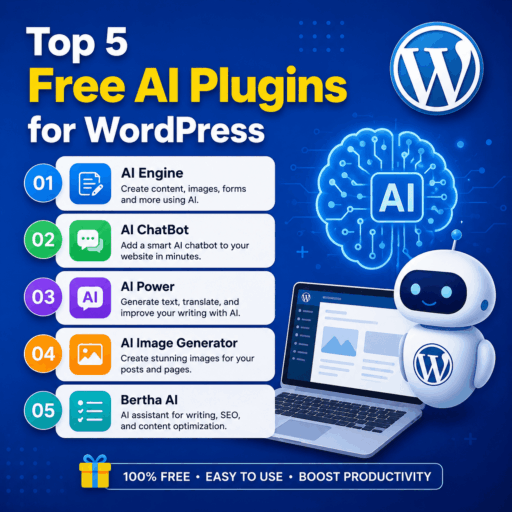
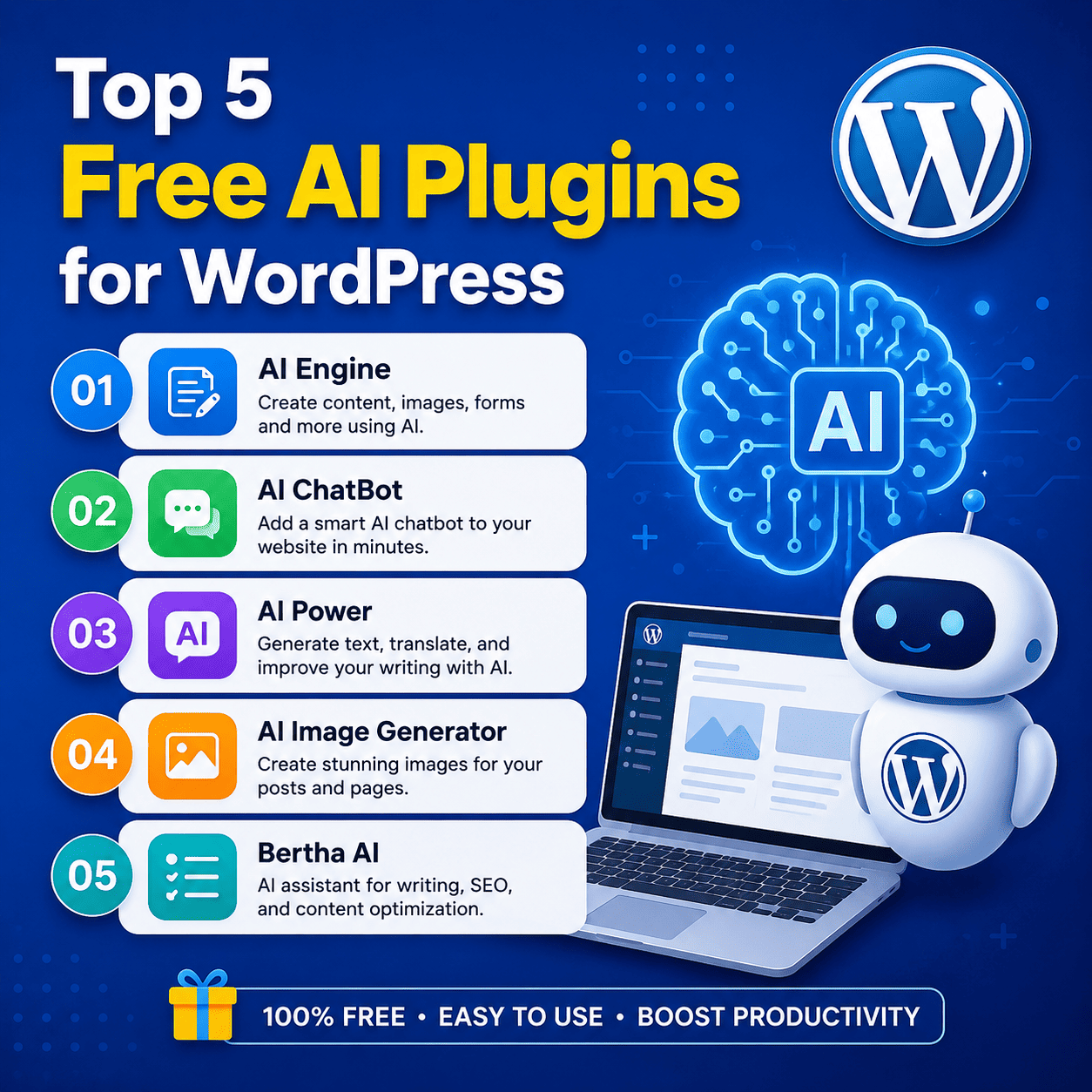

Top 5 Free AI Plugins for WordPress
Artificial intelligence is changing the way website owners create, manage, and optimize content. WordPress users can now use AI-powered plugins to generate articles, improve existing content, create chatbots, automate repetitive tasks, and enhance their websites without needing advanced technical skills.
If you’re looking for affordable ways to add AI functionality to WordPress, here are 5 popular AI plugins with free options or free versions worth exploring.
1. AI Engine
AI Engine is a versatile WordPress AI plugin designed for website owners who want to add AI-powered features directly to their WordPress dashboard.
It can be used for tasks such as content generation, rewriting, chatbot creation, and AI-assisted workflows. The plugin can work with supported AI providers, giving users flexibility depending on their setup.
Key Features
- AI-assisted content creation
- AI chatbot functionality
- Content rewriting and editing
- AI tools inside WordPress
- Support for multiple AI-related workflows
- Developer-friendly features
Best For
Bloggers, developers, agencies, and WordPress users who want a flexible AI toolkit.
2. AI Power
AI Power provides a collection of AI tools for WordPress and can help automate several content-related tasks.
It is designed to bring AI functionality into the WordPress environment, including content generation and chatbot-related features. Its broad feature set makes it useful for users who want more than a simple AI writing assistant.
Key Features
- AI content generation
- AI chatbot
- Content assistance
- Image generation capabilities
- WooCommerce-related AI features
- AI-powered automation options
Best For
Bloggers, online stores, and website owners looking for an all-in-one AI solution.
3. GetGenie AI
GetGenie AI focuses heavily on AI-powered content creation and SEO. It can assist bloggers and marketers with generating content ideas, optimizing articles, and researching keywords.
Its WordPress integration makes it convenient for users who prefer managing their AI-assisted writing workflow directly from WordPress.
Key Features
- AI content generation
- Blog and article assistance
- SEO optimization
- Keyword research tools
- Content outlines
- Writing assistance
Best For
SEO-focused bloggers, affiliate marketers, and content publishers.
4. AI Bud
AI Bud is an AI content and chatbot plugin that can help WordPress users integrate AI into their websites.
It is useful for generating different types of content and experimenting with AI-powered website functionality. Depending on the AI provider and configuration, users can connect supported models and services.
Key Features
- AI content generation
- AI chatbot functionality
- Content editing and rewriting
- AI image generation support
- Multiple AI model/provider options
- WordPress editor integration
Best For
Users who want to experiment with different AI models and content-generation features.
5. AI Content Writing Assistant
An AI content writing assistant plugin can be particularly useful for bloggers who regularly publish articles and need help with repetitive writing tasks.
These types of WordPress AI tools can help generate drafts, rewrite paragraphs, create headlines, and develop content ideas. They are especially useful when used as an assistant rather than a complete replacement for human editing.
Key Features
- AI-assisted article writing
- Content ideas
- Paragraph rewriting
- Headline generation
- Writing improvement
- Faster content creation
Best For
Beginners, bloggers, small businesses, and publishers who want to speed up their writing workflow.
Comparison of the Top 5 Free WordPress AI Plugins
| Plugin | Best For | AI Writing | Chatbot | SEO Features |
|---|---|---|---|---|
| AI Engine | AI toolkit & automation | ✓ | ✓ | ✓ |
| AI Power | All-in-one AI features | ✓ | ✓ | ✓ |
| GetGenie AI | SEO & content | ✓ | ✓ | ✓ |
| AI Bud | AI models & content | ✓ | ✓ | — |
| AI Writing Assistant | Blog writing | ✓ | — | ✓ |
Free features and usage limits can change, and some plugins require your own API key or offer additional features through paid plans.
How to Choose the Right AI Plugin
The best plugin depends on what you want to accomplish.
For SEO and blogging: GetGenie AI is worth considering.
For chatbots and broader AI functionality: AI Engine or AI Power may be a better fit.
For experimenting with AI models: AI Bud offers useful flexibility.
For simple content assistance: An AI writing assistant can make everyday blogging considerably faster.
Important: Don’t Publish AI Content Without Editing
AI can dramatically reduce the time required to create content, but automatically publishing AI-generated articles is not a good SEO strategy.
Before publishing AI-assisted content:
- Verify facts and statistics
- Add original insights
- Remove repetitive sections
- Include useful examples
- Improve readability
- Add relevant internal links
- Check headings and formatting
- Add original images where appropriate
- Review the article for accuracy
The goal should be to use AI to create better content more efficiently, rather than simply producing as much content as possible.
Final Thoughts
Free AI plugins can turn a standard WordPress installation into a much more powerful content and productivity platform. Whether you need help writing blog posts, optimizing content for SEO, creating an AI chatbot, or automating repetitive tasks, there are several options available.
Before installing a plugin, check its current WordPress.org listing, supported AI providers, API requirements, usage limits, and premium features. A plugin that looks completely free may still require an external AI API that charges separately.
For the best results, combine AI automation with human expertise, original information, strong SEO fundamentals, fast hosting, and a good user experience.