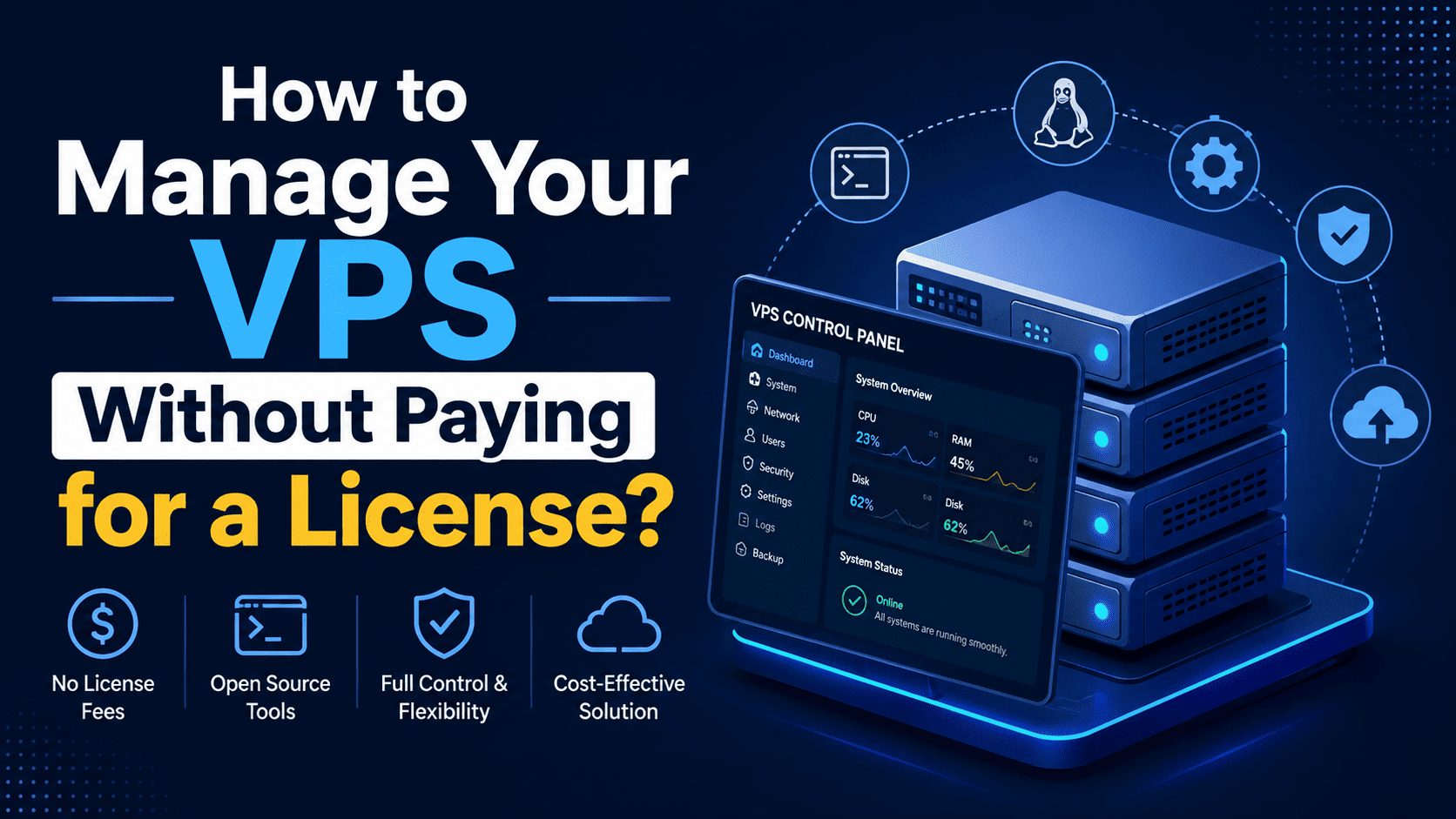

How to Manage Your VPS Without Paying for a License: Best Free Control Panels
Running a VPS gives you much more control than traditional shared hosting, but that freedom can come with an unexpected expense: server management software licenses.
Commercial control panels such as cPanel and Plesk can make server administration easier, but their licensing costs may not fit every budget. Fortunately, you can manage many VPS environments using free or open-source control panels.
These platforms provide graphical tools for managing websites, domains, databases, SSL certificates, email, DNS, and other server services—without requiring you to purchase a traditional control-panel license.
Why Use a Free VPS Control Panel?
Managing a VPS entirely through SSH is possible, but it can be challenging if you’re not comfortable with Linux commands.
A free control panel can provide a visual dashboard where common tasks can be completed with a few clicks.
For example, instead of manually configuring a web server, creating databases, and setting up virtual hosts, a control panel can automate much of the process.
Common benefits include:
- No traditional control-panel license fee
- Easier website management
- Graphical server administration
- Domain and DNS management
- Database management
- SSL certificate tools
- File management
- Application deployment
- User and account management
- Server resource monitoring
Keep in mind that free control panel software does not mean the VPS itself is free. You’ll still need to pay for the server, storage, bandwidth, backups, and potentially other services.
Best Free Control Panels for VPS
There are several free options worth considering. The right choice depends on your Linux distribution, technical experience, websites, and required features.
1. CyberPanel
CyberPanel is a popular choice for VPS owners who want a modern web hosting management interface.
It is particularly attractive to users interested in LiteSpeed-based hosting environments, although the exact features and licensing depend on the web server edition and setup you choose.
CyberPanel can help manage:
- Websites
- Domains
- Databases
- SSL certificates
- DNS
- FTP accounts
- Backups
- WordPress installations
Best for:
Users who want a relatively modern hosting dashboard and are particularly interested in LiteSpeed-based hosting.
2. HestiaCP
Hestia Control Panel (HestiaCP) is a free and open-source hosting control panel designed to simplify Linux server management.
Its interface focuses on the core tasks needed to operate websites and hosting accounts without overwhelming users with unnecessary complexity.
Depending on the configuration, HestiaCP can provide management for:
- Websites
- Domains
- DNS
- Databases
- SSL
- Cron jobs
- Backups
- User accounts
Best for:
Small hosting businesses, developers, and VPS users looking for an open-source control panel with a straightforward interface.
3. aaPanel
aaPanel is another popular free server control panel that provides a graphical interface for managing Linux-based VPS servers.
Instead of configuring every service manually, users can manage many server components through its dashboard.
Typical capabilities include:
- Website management
- Database administration
- PHP version management
- SSL configuration
- File management
- FTP
- Scheduled tasks
- Server monitoring
- Application deployment
Its app-oriented approach can make installing and managing common server software easier.
Best for:
Beginners and developers who want a graphical interface with convenient application-management features.
4. CloudPanel
CloudPanel is designed specifically with modern cloud and VPS environments in mind.
It focuses primarily on managing web applications rather than trying to provide every possible traditional hosting feature.
CloudPanel can be useful for hosting:
- PHP applications
- WordPress websites
- Node.js applications
- Static websites
- Other modern web projects
Its lightweight approach can be appealing when you want to keep server overhead relatively low.
Best for:
Developers and VPS users hosting modern web applications who prefer a clean and focused management interface.
5. Webmin + Virtualmin
Webmin is a web-based administration interface for Linux and Unix-like systems. Virtualmin builds on Webmin to provide features for managing websites and hosting accounts.
Together, they can provide extensive control over a server.
Depending on your configuration, you can manage:
- Websites
- Domains
- DNS
- Databases
- Users
- Server services
- Virtual servers
- System settings
The interface can feel more technical than some beginner-oriented hosting panels, but it provides considerable flexibility.
Best for:
System administrators and technically experienced VPS users who want extensive server-management capabilities.
Free vs Paid Control Panels
Choosing between free and paid software isn’t simply about the license price.
A commercial panel may offer polished interfaces, extensive documentation, commercial support, integrations, and a large ecosystem.
A free control panel can reduce your software costs, but you may need to spend more time handling configuration, troubleshooting, updates, and security yourself.
| Feature | Free Control Panel | Paid Control Panel |
|---|---|---|
| License cost | Usually free | Usually subscription/license based |
| GUI management | Yes | Yes |
| Website management | Yes | Yes |
| Database management | Usually | Yes |
| SSL management | Usually | Yes |
| Server administration | Varies | Usually extensive |
| Commercial support | Limited/varies | Often available |
| Customization | Often high | Varies |
| Technical knowledge | May still be required | Usually easier for beginners |
Can a Free Control Panel Replace cPanel?
For many VPS users, yes—but not necessarily in every situation.
A free control panel can handle many of the everyday tasks that users traditionally perform through cPanel.
However, the experience, available features, supported operating systems, integrations, automation, and support ecosystem can differ significantly.
Before migrating from a paid panel, compare the features you actually use rather than assuming every control panel works the same way.
What About Managing a VPS Without Any Control Panel?
You don’t actually need a control panel to run a VPS.
Linux servers can be managed directly through SSH using tools such as:
- Nginx or Apache
- MariaDB/MySQL
- PHP
- Certbot
- Docker
- Git
- Systemd
- Linux command-line utilities
This approach can provide excellent performance and flexibility, but it requires a stronger understanding of Linux administration.
For experienced administrators, going panel-free can also reduce software overhead and eliminate control-panel-specific limitations.
For beginners, however, a control panel can significantly reduce the learning curve.
Things to Check Before Installing a Free Panel
Before installing any control panel on your VPS, check its requirements carefully.
1. Supported Operating System
Make sure your VPS is running a supported Linux distribution and version.
Installing a panel on an unsupported operating system can result in compatibility problems.
2. Fresh Server Requirement
Many panels expect a clean VPS installation.
If you’ve already installed Apache, Nginx, databases, mail services, or other hosting software manually, the installer may conflict with your existing configuration.
3. Server Resources
A control panel consumes server resources.
For a small VPS, choose software that matches the available CPU, RAM, and storage instead of installing a feature-heavy platform you don’t need.
4. Backup Strategy
Never assume that installing a control panel automatically gives you a complete backup solution.
Set up independent backups and, ideally, keep important backups outside the VPS itself.
5. Security
A control panel adds another web-accessible management layer to your server.
Use strong passwords, SSH key authentication where appropriate, firewall rules, regular updates, and other security measures suitable for your environment.
Which Free VPS Control Panel Should You Choose?
There isn’t one universally best option.
CyberPanel can be attractive for users interested in LiteSpeed-based hosting.
HestiaCP is a strong option for those looking for a straightforward open-source hosting panel.
aaPanel is useful for users who prefer an application-focused management experience.
CloudPanel is well suited to developers running modern web applications.
Webmin + Virtualmin can be a powerful choice for administrators who want extensive control and don’t mind a more technical interface.
Final Verdict
You don’t necessarily need to pay a monthly license fee to get a graphical interface for your VPS.
Free and open-source control panels can make server management considerably easier while helping you keep hosting costs under control. The best option depends on what you’re hosting, how much technical knowledge you have, the operating system you’re using, and which features you actually need.
If your goal is to build an affordable VPS hosting environment, start by identifying your essential requirements—web server, PHP versions, databases, email, DNS, backups, SSL, WordPress support, and resource monitoring—and then choose the control panel that provides those features without unnecessary complexity.
A free control panel can save money, but the real value comes from choosing a panel that is secure, maintained, compatible with your VPS, and suitable for your workload.