
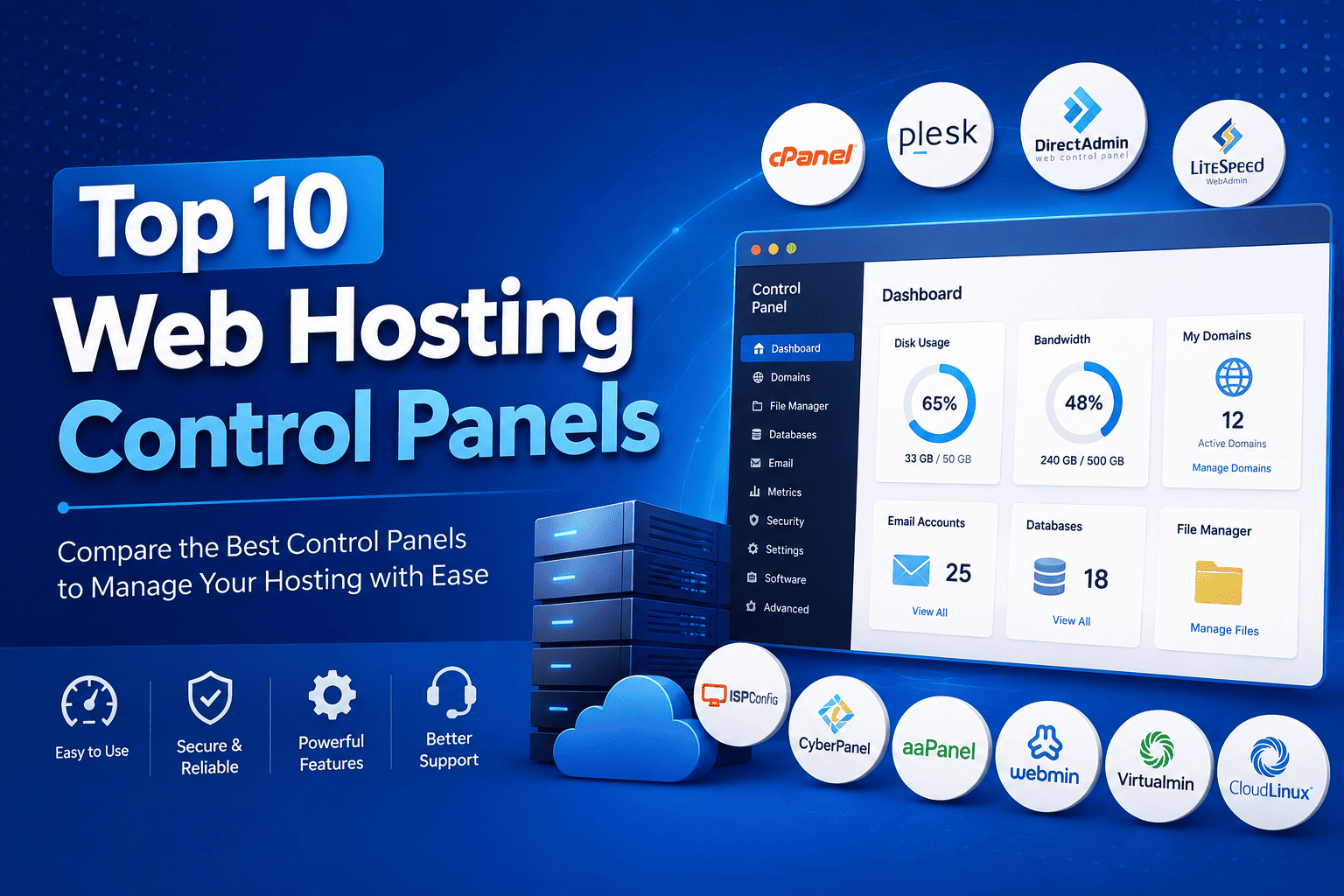

Top 10 Web Hosting Control Panels in 2026
Managing a web server without a control panel can require considerable Linux and server administration knowledge. A web hosting control panel simplifies this process by providing a graphical interface for managing websites, domains, databases, email accounts, DNS, SSL certificates, backups, and server resources.
Whether you are launching your first website, managing a VPS, or operating a web hosting business, choosing the right control panel can make server management much easier.
Here are 10 popular web hosting control panels worth considering in 2026.
1. cPanel
cPanel is one of the most recognized web hosting control panels in the hosting industry. It provides a user-friendly interface for managing individual hosting accounts, while WHM (WebHost Manager) provides tools for server and reseller administration.
Key Features
- Website and domain management
- File Manager
- Email account management
- DNS management
- SSL management
- MySQL/MariaDB database management
- Backup tools
- Cron jobs
- WordPress management
- WHM for server administration
Best For
Shared hosting providers, agencies, businesses, and users who want a mature ecosystem.
Why Choose cPanel?
Its biggest advantage is its extensive ecosystem. Many hosting-related applications, security products, backup systems, billing platforms, and tutorials support cPanel.
2. DirectAdmin
DirectAdmin is a lightweight and efficient hosting control panel designed for Linux servers. It provides separate interfaces and permissions for administrators, resellers, and hosting users.
Compared with heavier control panels, DirectAdmin is known for keeping server overhead relatively low.
Key Features
- Domain management
- Email administration
- DNS management
- Database management
- SSL certificates
- File management
- Backup and restore
- Reseller management
- Multiple user levels
- Server administration
Best For
VPS users, hosting providers, resellers, and businesses looking for a lightweight alternative to cPanel.
Why Choose DirectAdmin?
Its combination of simplicity, performance, and generally lower licensing costs makes it attractive for hosting companies operating multiple servers.
3. Plesk
Plesk is a powerful hosting management platform available for both Linux and Windows environments. It is particularly popular with agencies, developers, managed hosting companies, and businesses managing multiple websites.
Plesk puts a strong emphasis on website management and application integrations.
Key Features
- Website management
- Domain management
- DNS
- SSL/TLS
- Database management
- WordPress Toolkit
- Git integration
- Developer tools
- Server administration
Best For
Web developers, agencies, businesses, and users managing multiple websites.
Why Choose Plesk?
Its support for both Linux and Windows hosting environments makes it a flexible choice for organizations with diverse infrastructure requirements.
4. CyberPanel
CyberPanel is a modern Linux hosting control panel designed with performance-focused hosting environments in mind. It is closely associated with LiteSpeed/OpenLiteSpeed web server technology.
It provides a graphical interface for managing websites, databases, email, SSL certificates, DNS, and other hosting functions.
Key Features
- Website management
- SSL installation
- DNS management
- Database management
- File Manager
- WordPress management
- Backup functionality
- Git support
- LiteSpeed integration
Best For
WordPress hosting, VPS users, developers, and performance-focused hosting environments.
Why Choose CyberPanel?
Its integration with LiteSpeed technologies makes it an interesting option for users looking to build a performance-oriented web hosting stack.
5. ISPConfig
ISPConfig is an open-source hosting control panel designed for Linux servers. It can be used to manage websites, email, DNS, databases, and hosting accounts from a centralized interface.
It is particularly popular among technically experienced server administrators.
Key Features
- Multi-server management
- Website management
- Email management
- DNS management
- Database administration
- FTP
- Reseller accounts
- Client management
- Open-source architecture
Best For
System administrators, hosting companies, developers, and users who prefer open-source software.
Why Choose ISPConfig?
Its open-source model provides considerable flexibility for organizations that want more control over their hosting infrastructure.
6. Webmin
Webmin is an open-source web-based administration interface for Unix/Linux systems. Unlike traditional hosting panels designed primarily around shared hosting accounts, Webmin focuses heavily on server administration.
It allows administrators to configure many aspects of a Linux server through a browser.
Key Features
- Linux server administration
- User management
- Package management
- Service configuration
- DNS administration
- Firewall management
- File management
- System monitoring
- Server configuration
Best For
Linux administrators and technically experienced VPS or dedicated-server users.
Why Choose Webmin?
Webmin provides extensive server-level control without requiring every task to be performed through SSH.
Note: Webmin is more accurately described as a server administration interface than a traditional shared-hosting control panel.
7. HestiaCP
Hestia Control Panel (HestiaCP) is an open-source Linux hosting control panel designed to simplify website and server management.
It provides a relatively clean interface for managing websites, domains, email, databases, DNS, and other common hosting services.
Key Features
- Website management
- Domain management
- Email accounts
- DNS management
- SSL certificates
- Database management
- Backup management
- Cron jobs
- User and server administration
Best For
Developers, small hosting providers, VPS users, and users looking for an open-source hosting panel.
Why Choose HestiaCP?
It offers a straightforward way to create a traditional web hosting environment without requiring a commercial control-panel license.
8. aaPanel
aaPanel is a web-based Linux server management and hosting control panel that aims to simplify server administration.
It provides graphical tools for installing and managing common components such as web servers, databases, PHP, SSL certificates, and websites.
Key Features
- Website management
- Nginx/Apache support
- PHP management
- Database management
- SSL certificates
- File management
- Scheduled tasks
- Server monitoring
- Application installation
Best For
Developers, VPS users, small businesses, and users who want a graphical Linux server management experience.
Why Choose aaPanel?
Its graphical approach can make tasks such as installing software and creating websites considerably easier than performing everything manually through the command line.
9. VestaCP
Vesta Control Panel, commonly known as VestaCP, was designed as a lightweight and simple Linux hosting control panel.
It became known for its straightforward interface and relatively low resource requirements.
Key Features
- Website management
- Domain management
- DNS
- Database management
- FTP
- Cron jobs
- Backup functionality
- User management
Best For
Historically, it has been used by developers, VPS users, and small hosting environments.
Important Consideration
For new deployments, users should carefully evaluate the current maintenance status, security updates, and project activity of the specific VestaCP distribution they intend to use. Modern alternatives such as HestiaCP may be worth considering.
10. ISPmanager
ISPmanager is a commercial Linux hosting control panel designed for managing websites, servers, domains, databases, email, and hosting accounts.
It is used by hosting providers, system administrators, and businesses managing Linux-based infrastructure.
Key Features
- Website management
- Domain administration
- DNS
- Database management
- SSL certificates
- Backup management
- User and reseller management
- Server administration
Best For
Hosting providers, VPS operators, system administrators, and businesses managing Linux servers.
Why Choose ISPmanager?
It offers a balance between graphical server management and hosting-account administration, making it suitable for professional hosting environments.
Web Hosting Control Panels Comparison
| Control Panel | Type | Best Known For | Best For |
|---|---|---|---|
| cPanel | Commercial | Mature hosting ecosystem | Hosting companies & beginners |
| DirectAdmin | Commercial | Lightweight performance | VPS & hosting providers |
| Plesk | Commercial | Linux & Windows support | Agencies & businesses |
| CyberPanel | Free/Commercial options | LiteSpeed integration | WordPress & performance hosting |
| ISPConfig | Open Source | Multi-server management | Experienced admins |
| Webmin | Open Source | Server administration | Linux administrators |
| HestiaCP | Open Source | Simple hosting management | VPS & developers |
| aaPanel | Free/Commercial ecosystem | Easy server management | Developers & VPS users |
| VestaCP | Open Source/legacy | Lightweight hosting management | Existing installations |
| ISPmanager | Commercial | Professional Linux hosting | Hosting providers |
How to Choose the Right Hosting Control Panel?
There is no single control panel that is perfect for every hosting environment. Your choice should depend on your technical requirements, budget, server resources, and the type of customers you serve.
For beginners
cPanel and Plesk are strong choices because of their mature interfaces and extensive documentation.
For resource-conscious VPS hosting
DirectAdmin can be an excellent option when minimizing control-panel overhead is important.
For WordPress hosting
cPanel and CyberPanel are popular options, particularly when combined with appropriate web-server and caching technologies.
For open-source enthusiasts
ISPConfig and HestiaCP are worth considering.
For server administrators
Webmin provides extensive server-level configuration capabilities.
For agencies
Plesk can be particularly attractive because of its website-management and developer-oriented features.
Final Verdict
The web hosting control panel you choose can influence server resource usage, administration time, customer experience, software compatibility, and operating costs.
cPanel remains a strong choice for businesses that prioritize ecosystem maturity and familiarity.
DirectAdmin is appealing for users who want a simpler and relatively lightweight commercial solution.
Plesk stands out for organizations needing broad platform support and website-management capabilities.
Meanwhile, CyberPanel, ISPConfig, HestiaCP, aaPanel, Webmin, and ISPmanager provide alternatives for different technical and business requirements.
For a hosting company, the best strategy is to evaluate the entire hosting stack—including the web server, operating system, security tools, backup system, hardware, licensing, and support—not just the control panel.
Quick Recommendation
Best overall ecosystem: cPanel
Best lightweight commercial option: DirectAdmin
Best for Linux + Windows: Plesk
Best for LiteSpeed-focused hosting: CyberPanel
Best open-source hosting panel: ISPConfig
Best for server administration: Webmin
Best lightweight open-source option: HestiaCP
Best for easy VPS management: aaPanel